THE PLAYBOOK · QTHCC
How to play Slitherlink
Start Slitherlink in your browser at QTHCC. Draw one closed loop whose edges match the count around every numbered cell. The page pairs the game with careful restarts, an example and answers about this edition.
Ten checked 4×4 loop puzzles with all cell clues shown.
Careful restarts
Start a fresh round when you want another attempt. Restarting may discard current progress; read the controls rather than assuming an account backup exists.
Your goal
Draw one closed loop whose edges match the count around every numbered cell.
Step by step
- Click an edge to draw, exclude or clear it.
- Count the four edges around each cell.
- Do not branch or form separate loops.
- Check puzzle verifies every clue and loop connectivity.
Controls
Click or tap squares or graph edges. Number boards include a digit pad. Undo reverses the previous change; Check puzzle validates the solution.
A useful example
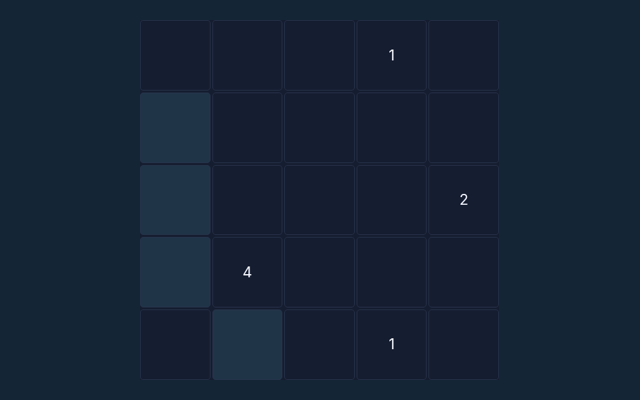
A 0 cell has no loop edge around it; a 3 has exactly three.
Watch out for this
Several small loops are invalid even if clues match.
Common questions
Which play mode is provided?
Solo
What is the main objective in this edition?
Draw one closed loop whose edges match the count around every numbered cell.
What mistake should I watch for?
Several small loops are invalid even if clues match.