THE PLAYBOOK · QTHCC
How to play Star Battle
The QTHCC guide to Star Battle starts with read the feedback. Your task is to place one star in each row, column and region, with no touching stars even diagonally. The controls and example below describe this exact implementation.
Ten unique one-star 6×6 puzzles, not the two-star larger-board variant.
Read the feedback
Status messages explain the current state and rejected actions. Check them when an action does not behave as you expected.
Your goal
Place one star in each row, column and region, with no touching stars even diagonally.
Step by step
- Tap to place a star, mark a cell or clear it.
- Respect fixed starter stars.
- Check rows, columns and coloured regions.
- Check puzzle verifies the final arrangement.
Controls
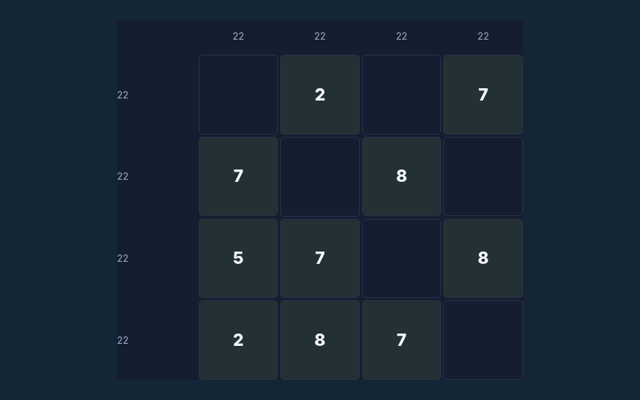
Click or tap squares or graph edges. Number boards include a digit pad. Undo reverses the previous change; Check puzzle validates the solution.
A useful example
A placed star rules out all eight neighbouring squares.
Watch out for this
Different rows do not make diagonal neighbours legal.
Common questions
What is included in this edition?
Ten unique one-star 6×6 puzzles, not the two-star larger-board variant.
Which controls should I use?
Click or tap squares or graph edges. Number boards include a digit pad. Undo reverses the previous change; Check puzzle validates the solution.
Can you show a concrete example?
A placed star rules out all eight neighbouring squares.